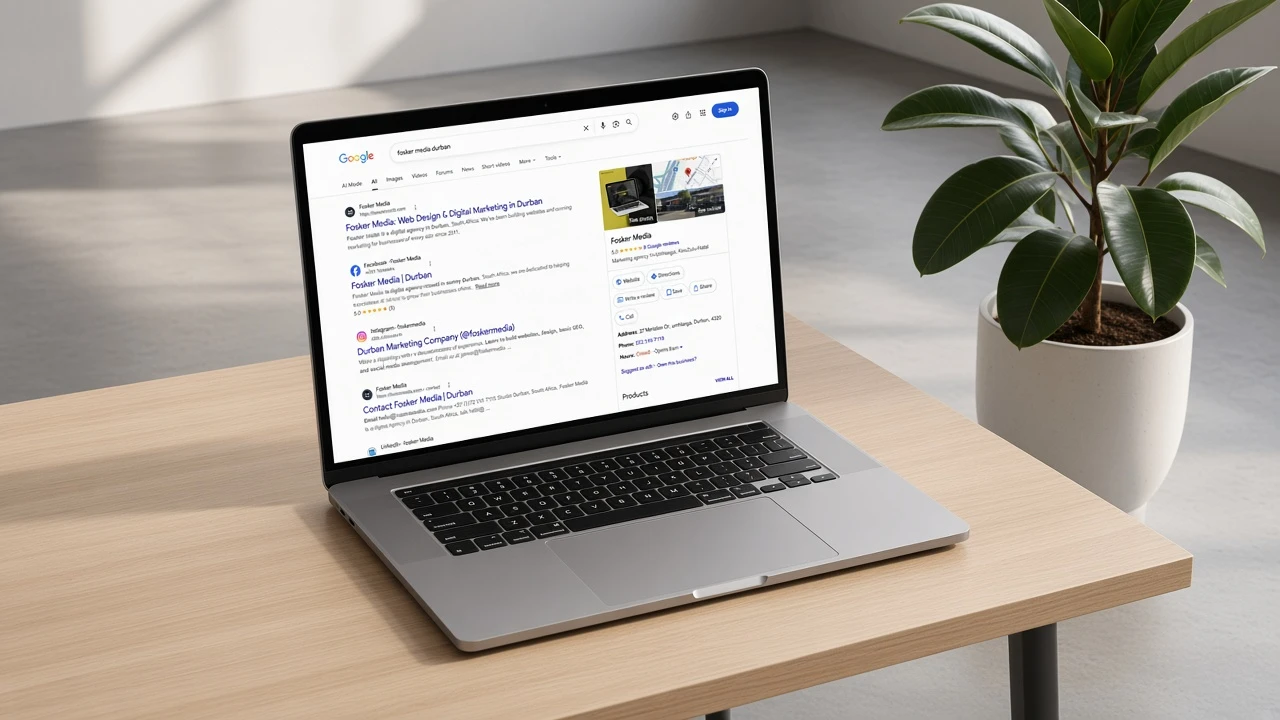
Most businesses I talk to already have a website. They are not deciding whether to get one. They already have one, and it is not doing any work. The homepage is fine to send to someone. Then they try to change a price, open it on a phone, or search for the service they sell, and it falls apart. A stranger has no reason to trust them, and Google has no reason to show them.
I see the same pattern over and over. The site was built a few years ago. It looked finished on the day it launched. Then life got busy, the designer moved on, and nobody could log in. The phone number on the contact page is old. The photos are from a different shop. When someone searches for the work they actually do, a competitor comes up first. The owner starts to think they need a whole new website, when what they usually need is five things put back in place.
A site should still work at eleven at night, when you are not there to explain it. Getting the call can be the whole point. If someone cannot find the number, send the form, or decide you are worth either, they close the tab and you never hear about it. These are the five things we put on every build. Use them to check your own site this week, even if you are not ready to rebuild anything.
1. Content Management System
The problem is simple, and it starts the week after launch. You paid for a site, then you have to WhatsApp the designer every time a price, a staff photo or a phone number changes. At first that feels fine. Then they are on leave, or they have moved on to other clients, and a small update sits for three weeks. When every update waits on someone else, the site gets outdated. An outdated site stops getting enquiries, because people can tell when nobody has touched it.
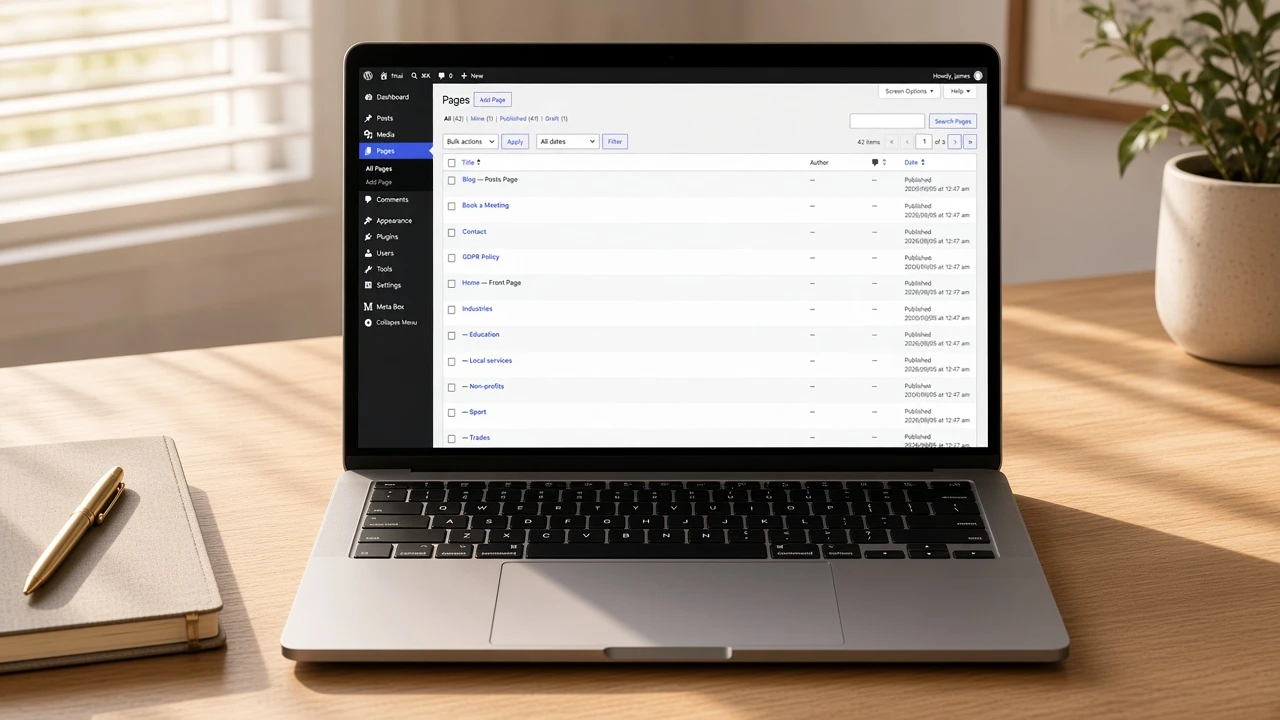
A content management system is the login where you edit the site yourself. We use WordPress. Pages are Home, About and Contact. You still change them when something on those pages changes. Posts are the articles you add over time. Later you can add other types of content, such as services or testimonials, without throwing the site away and starting again. The point is not that you have to become a developer. The point is that you can open the site on a Tuesday afternoon and fix the thing that is wrong.
Ask who holds the login. If the answer is “we will do the updates for you”, ask what happens when they are on leave, or when you want to move the site. If you cannot log in today, you do not own the site yet. You are renting a brochure from whoever still has the password.
Check this week:
- You can log in and open Pages without calling anyone.
- Home, Contact and the service pages are in that list, with names a staff member would recognise.
- The login is yours, not a shared Gmail the agency invented.
2. Testimonials
A stranger on your site has one question, even if they never say it out loud: has anyone like me already trusted you? If the answer is a stock photo and a line that says “our clients love us”, they leave. You already did the hard work. The proof is sitting in your inbox, in WhatsApp, and in the emails people sent after they paid you. Most businesses never put those words on the site because they are waiting for a perfect case study that never gets written.
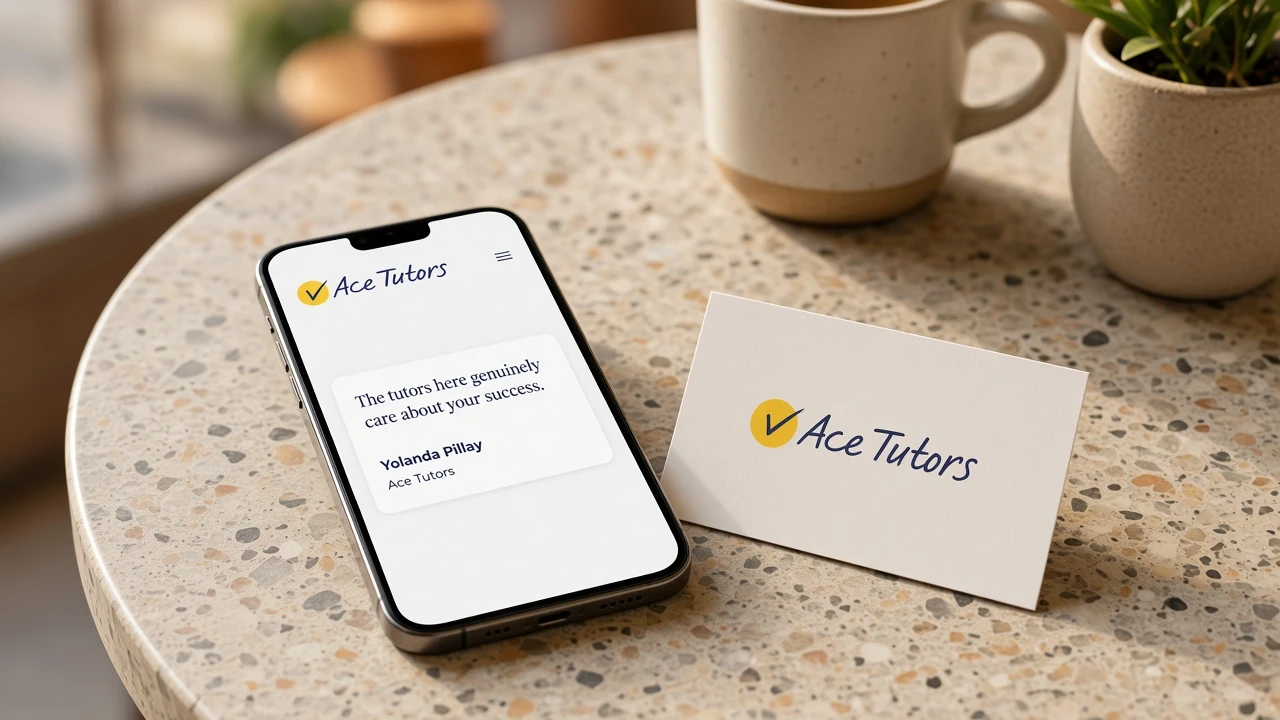
Use a real name, a real role, and the words they actually sent you. Yolanda Pillay at Ace Tutors wrote that she was beyond satisfied with the end product. That sentence does more than a paragraph about our process, because it is a person, not a slogan. You do not need ten of them on day one. You need one that a new visitor will see without scrolling the whole page.
Pull three emails or WhatsApps from people who paid you. Ask if you can use the quote with their name. Most people say yes, because they already took the time to write it. Put the strongest one near the top of the homepage, not in a forgotten footer under the map. Then ask two more people this month. Do not wait until you have a printed brochure of reviews.
Check this week:
- At least one testimonial has a real name and a business, not “Happy client, Durban”.
- A new visitor will see it without scrolling the whole page.
- You have asked two more people this month. Do not wait for a perfect case study.
3. Responsive design
Most of your visitors are on a phone. They are in a car park, or on the couch, or standing outside your building trying to see if you are still open. If the button sits off the screen, the type is tiny, or they have to pinch the menu to use it, they leave. You never hear about it. You just notice fewer calls coming from the site, and you start to blame Google or the ads, when the real problem is that the page did not work in their hand.
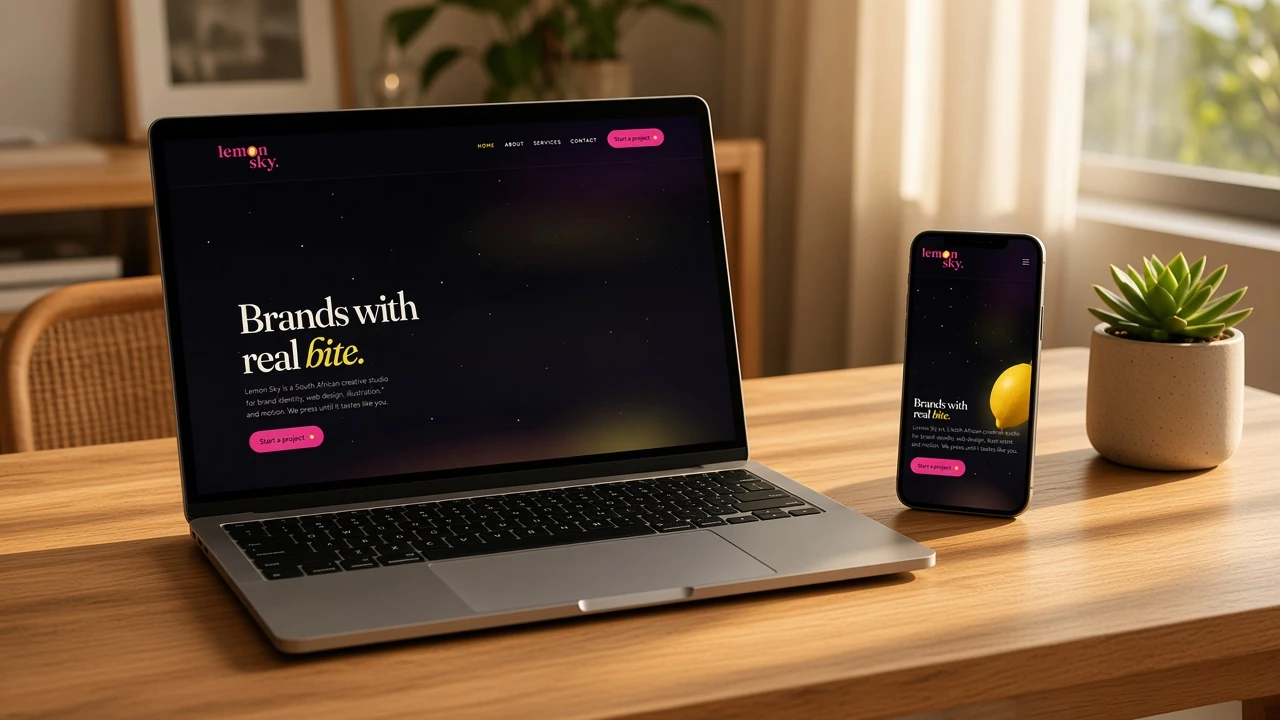
Responsive design is the work that makes the same site readable on a laptop and a phone. Lemon Sky is a good example of a layout that still holds when the screen gets narrow. That is not a theme setting you tick once and forget. Someone has to check the real pages on a real phone, on mobile data, not on the office Wi‑Fi where everything loads instantly.
Open your site on your own phone tonight. Try to find the phone number, the form, and one service. If you cannot do it in thirty seconds, a stranger will not bother. They will try the next business in the search results, and you will never know they were there.
Check this week:
- The menu works with a thumb.
- Tap-to-call actually calls. The form submits and you receive it.
- Images are not so heavy that the page sits blank for five seconds.
4. Blog
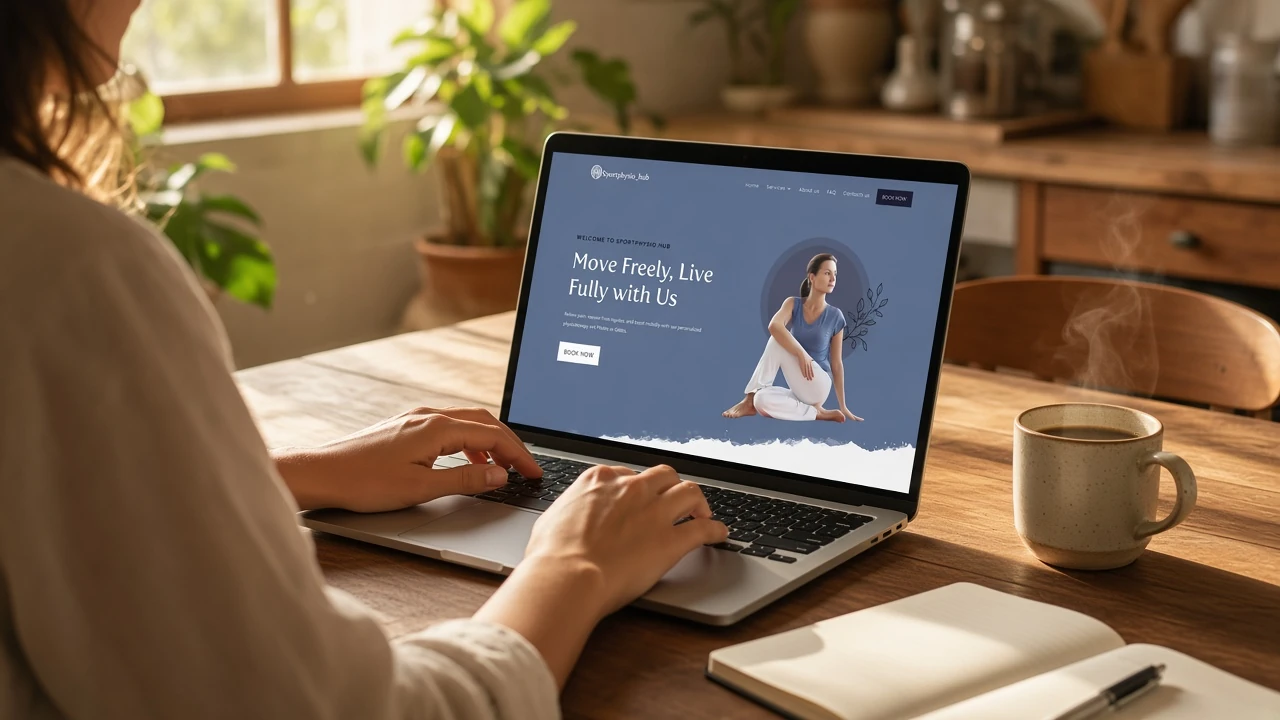
A five-page brochure never changes. Google prefers sites that keep adding useful pages. Your customers prefer being taught something before they spend money. If you never write, you have one chance to rank and one chance to show that you know the work. Then the site sits there looking finished, and nothing new happens.
A blog is not “content marketing” in the way agencies talk about it. It is answers to the questions people already ask you on the phone. Write those down. Sport Physio Hub can keep publishing because the work itself produces topics: recovery, injury, what to do next. You already answered those questions this month. The difference is whether they only live in a call, or whether they also live on a page someone can find later.
List ten questions you answered last month. Pick one. Write it the way you would explain it to a client, not like a press release. Publish it. Share it once on the profile that actually has your customers. That is enough to start. The next one is easier because you have already done it once.
Check this week:
- You have a Posts screen and you know how to publish without a developer.
- The last post is not three years old. If it is, draft one this week even if it is short.
- Each post points to a page where someone can enquire, book, or call.
5. Ranking optimization
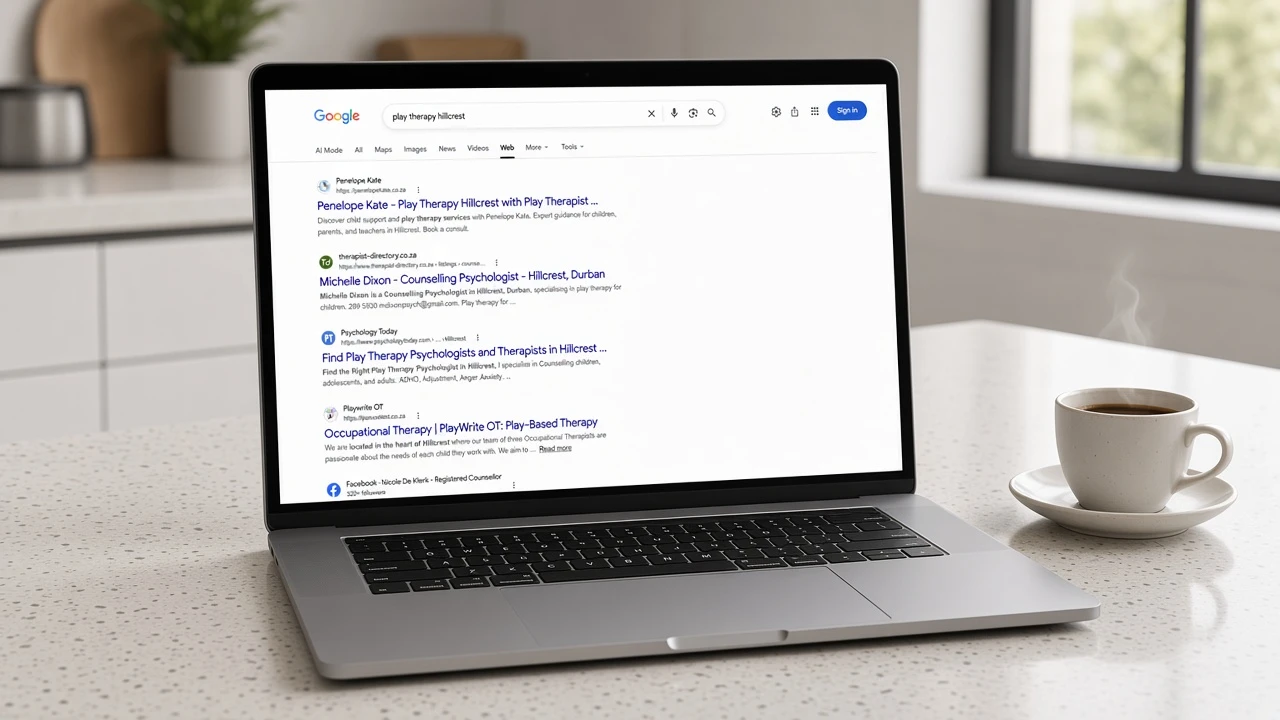
Looking finished is not the same as being found. If you are not on the first page for the words people actually type, the site only works when someone already knows your name. We see this often: a decent site, and the owner still pays for every lead because Google has nothing useful to show. They paid for the design. They did not pay for the page to match the search.
Ranking work is two jobs. On the page: titles, headings, image size, alt text, and a page that loads. Speed: caching, compressed images, and a host that does not fall over. Penelope Kate ranking for play therapy Hillcrest is what this looks like when the page and the search match. That is not luck. The page is about that work, in that area, and Google has something clear to show.
On your phone, search your main service plus your suburb. Do not use the Chrome profile you are signed into, because Google will show you your own site first. If you are not there, write down the exact words you typed. That is the brief for the homepage title and the first heading. Then ask whoever built the site whether they installed an SEO plugin and a cache plugin. We still use Yoast, and we still recommend WP Rocket on WordPress.
Check this week:
- The homepage title in the browser tab names the service and the area, not only the company.
- There is one H1, and it matches what you sell.
- The main image is not a 5MB photo straight from a phone.
If those five things are in place, the site can start doing its job. If two of them are missing, fix those before you buy more ads or another redesign. Need it done rather than checked off a list? Get a quote, or read what a site actually costs.